
Hyperlapse vs. Timelapse
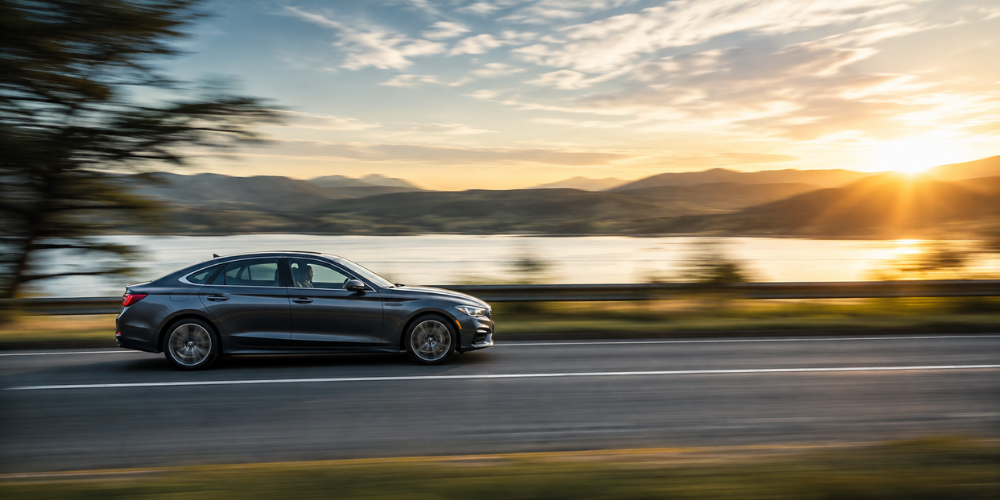
Image generated by OpenAI ChatGPT
If you’ve come across Hyperlapse and Timelapse in your dashcam’s recording settings, you may wonder why there are two different options. Both record at a lower frame rate than normal video, such as 1 frame per second (FPS), which reduces the amount of storage they use and makes the footage appear sped up during playback. However, they are designed for different situations: Hyperlapse is used while driving, while Timelapse is used when the vehicle is parked.
What Is Hyperlapse Recording?
Hyperlapse is a driving recording mode designed to extend recording time while using less storage than normal video recording. Instead of continuously capturing footage at a standard frame rate, the dashcam records at a much lower rate, such as 1 FPS. When played back, the footage appears sped up, similar to fast-forward video. This can be useful when you want to record longer drives without filling your memory card as quickly.
What Is Timelapse Recording?
Timelapse is designed for parking recording. When your vehicle is parked, the dashcam records at a low frame rate, such as 1 FPS, instead of continuously recording normal video. This significantly reduces the amount of data being stored, allowing the dashcam to monitor your vehicle for a much longer period. For example, if your car is parked for several hours while you are at work, Timelapse can help cover that entire period without using as much storage as continuous recording.
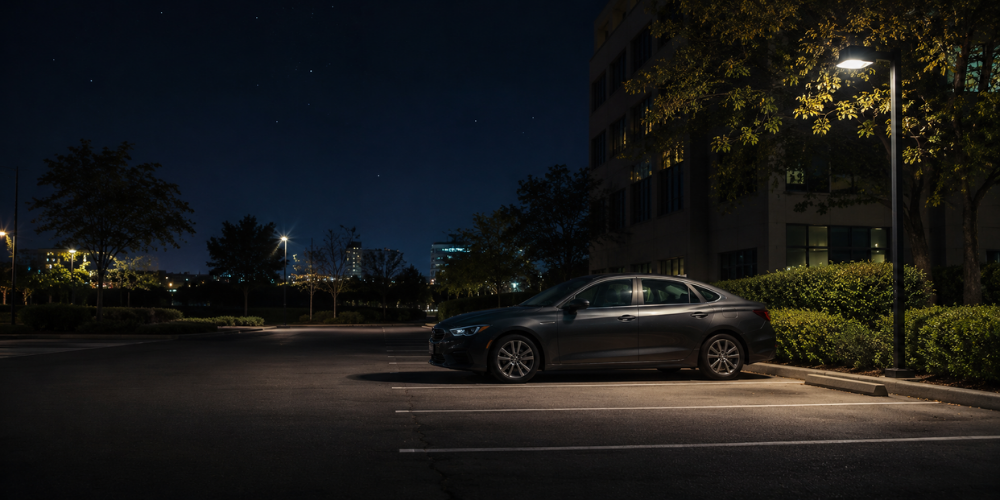
Image generated by OpenAI ChatGPT
Why Do They Sound So Similar?
The confusion is understandable because both modes work on a similar basic principle: recording fewer frames to reduce the amount of data stored. Both can also produce footage that looks sped up when played back. The key difference is not simply the frame rate or how the footage looks, but when the recording mode is used and what it is designed to achieve. Hyperlapse is intended to extend recording time while driving, whereas Timelapse is intended to extend recording time while parked.4. Hyperlapse vs. Timelapse: At a Glance
Which Recording Mode Should You Use?
You don’t really have to choose between Hyperlapse and Timelapse—they are designed for different situations. If you are driving and want to extend your recording time while using less storage, Hyperlapse is the appropriate mode. If your vehicle is parked and you want to monitor it for a longer period, Timelapse is designed for that purpose. For an easy way to picture the difference, think of a 3-hour drive recorded with Hyperlapse versus a car parked for 10 hours and monitored with Timelapse. In short, Hyperlapse is for the road; Timelapse is for when you’re parked.

