
How Can You Connect Your Dashcam?
Generated by Gemini
Installing a dashcam often feels straightforward—choose a model, mount it, and you’re done. But one detail that quietly shapes your entire experience is how you power it. The connection method doesn’t just affect how clean your setup looks; it determines when your dashcam records, how easy it is to install, and whether features like parking mode are available.
Some drivers want a quick, plug-and-play solution they can set up in minutes, while others prefer a more seamless, built-in approach that works even when the car is parked. There’s no single right choice—but there is one that fits your routine better. Understanding the three main connection methods will help you choose what actually works for your day-to-day driving.
Cigar Jack Cable: The Simplest Plug-and-Play Option
If you’re looking for the quickest way to get your dashcam up and running, the cigar jack cable is exactly that. It simply plugs into your car’s 12V socket—no tools, no installation, no commitment. For many drivers, this is the most familiar approach: plug it in, route the cable loosely along the dashboard, and start recording within minutes.
This setup works especially well if you’re using a leased car, switching vehicles often, or just want something hassle-free. The trade-off is that the cable is usually visible, which can take away from a clean interior look, and in most cases, the dashcam only powers on when the engine is running. So while it’s practical and convenient for everyday driving, it may not be the best fit if you’re looking for a more seamless setup or features like parking mode.
Hardwiring Kit: Clean Setup with Full Functionality
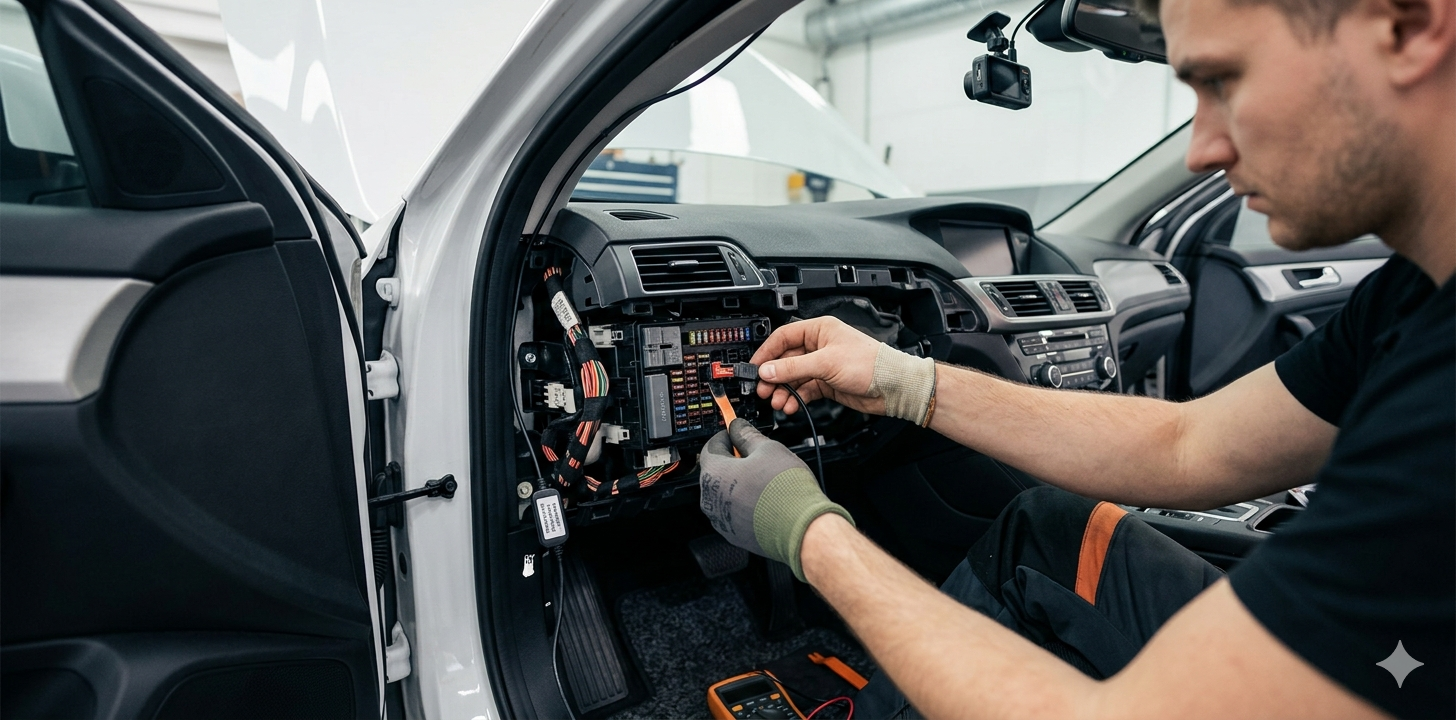
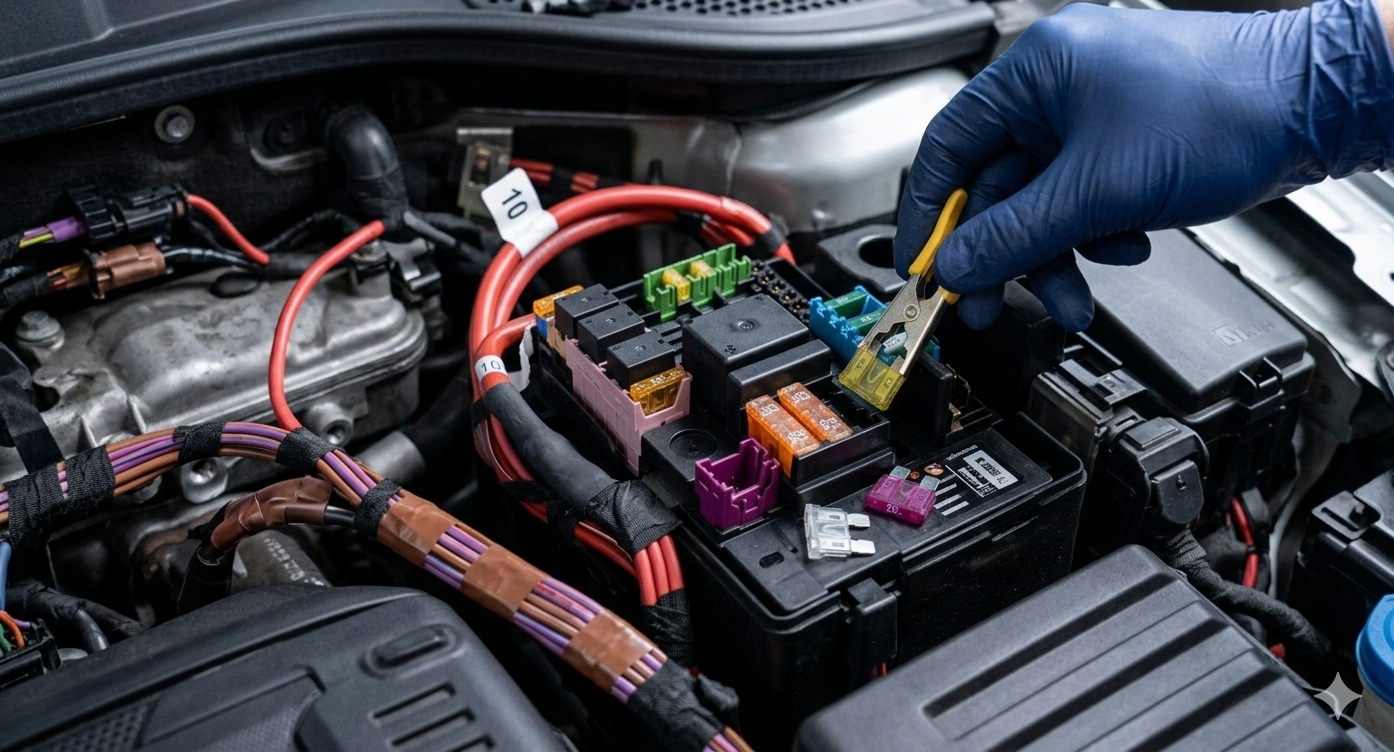
If you prefer a setup that feels fully integrated into your car, a hardwiring kit is the way to go. Instead of using a visible power outlet, the dashcam is connected directly to your vehicle’s fuse box, allowing the cables to be neatly tucked away. The result is a clean, almost invisible installation—nothing dangling, nothing out of place.
Generated by Gemini
More importantly, this method enables continuous power, which means your dashcam can stay active even when the car is parked. If you value features like parking mode—recording motion or impacts while you’re away—this is where hardwiring really stands out. It does require a bit more effort and money to install, usually require professional help, but for drivers who want a long-term, seamless solution, it offers both convenience and capability in everyday use.
OBD Port Connection: The Balanced Alternative
Sitting comfortably between convenience and functionality, the OBD port connection offers a more refined setup without the complexity of hardwiring. It connects your dashcam to the car’s On-Board Diagnostics (OBD) port—usually located under the dashboard—making installation quick while still keeping most of the wiring out of sight.
This option is ideal if you want access to features like parking mode but aren’t keen on working with the fuse box. It provides a more stable, continuous power supply compared to the cigar jack, while still being relatively easy to install and remove if needed. The main thing to keep in mind is that it occupies the OBD port, which might be needed occasionally for diagnostics, and compatibility can vary depending on the vehicle. For many drivers, though, it strikes a practical balance between ease and performance.
Choosing the Right Option for Your Needs
At this point, it really comes down to how you use your car day to day. If you just want something simple that works whenever you’re driving, the cigar jack cable does the job with minimal effort. If your priority is a clean interior and having your dashcam actively protect your car even when it’s parked, a hardwiring kit makes more sense. And if you find yourself somewhere in between—wanting extra functionality without a more involved installation—the OBD connection offers a practical middle ground.
A good way to decide is to think about your routine. Do you often leave your car parked in public places for long hours? Do visible cables bother you? Are you comfortable with a slightly more involved setup, or do you prefer something you can plug in and forget? Answering these questions makes the choice much clearer—and ensures your dashcam fits naturally into your driving experience rather than feeling like an add-on.